How Print Shops Can Eliminate Status Chasing with ZI TRACK
Eliminate print production bottlenecks. Discover how print order tracking with ZI TRACK streamlines counter handoffs and press operations for print shops.
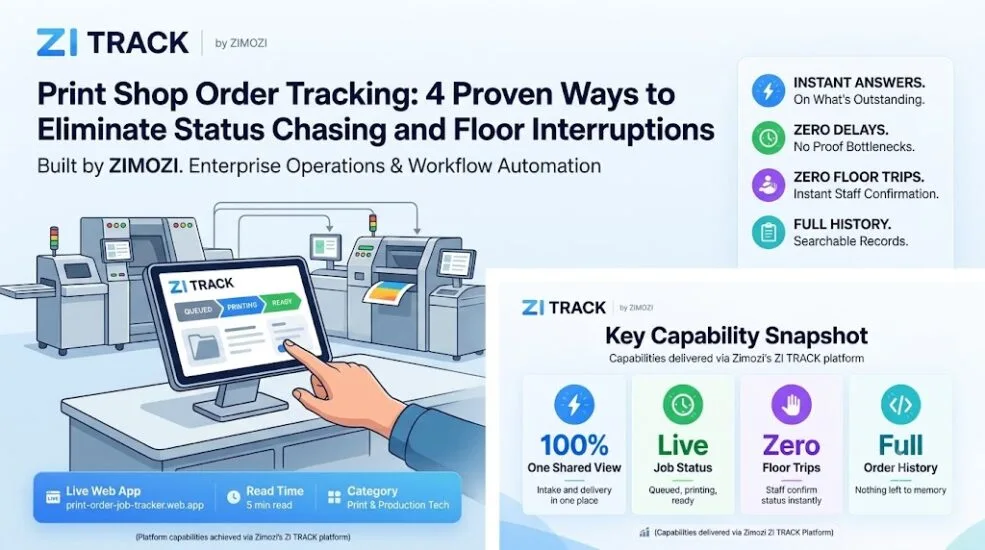
Managing print production through fragmented email threads and WhatsApp chats creates constant operational delays. Without centralized print order tracking, front-of-counter staff frequently walk across the production floor to interrupt press operators just to get an order status update for waiting customers.
ZI TRACK is a specialized print order tracking and job-status management tool developed by Zimozi specifically for commercial printers and printing SMEs in Singapore. By replacing disconnected spreadsheets and chat groups with a real-time shared workspace, it connects counter personnel and press operators so job statuses remain visible at every stage of production.
Why Traditional Print Order Tracking Fails as Volume Grows
Informal tracking works fine when handling five jobs a day. When volume rises to fifty jobs, chat-based coordination breaks down.
- Scattered job specifications: File proofs, size requirements, and quantities remain siloed across individual customer messaging threads and separate inboxes.
- Zero shared visibility: Only the machine operator running the press knows whether a file is queued, actively running, or complete.
- Frequent production interruptions: Counter staff must constantly walk over to the floor to verify order progress in person.
- Untracked collection and delivery: Verifying whether a client picked up their package or if a courier was dispatched triggers another round of questions.
- Reliance on key personnel: Operations halt the moment the single staff member who holds production updates in their head takes leave.
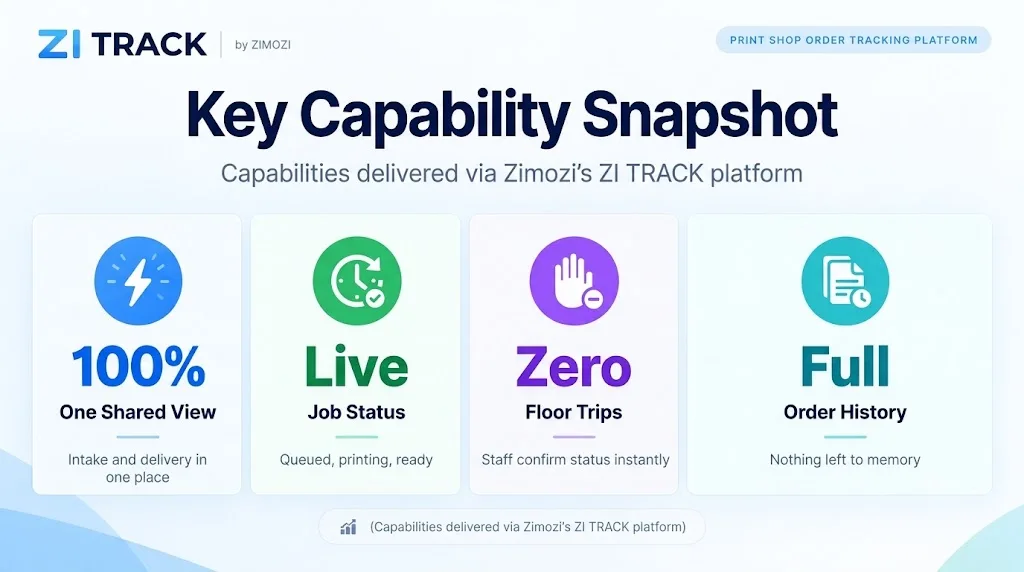
Core Capabilities of ZI TRACK
ZI TRACK replaces informal messages with four practical workflow features designed for real-world print floor operations:
| Feature | Shop Floor Impact |
|---|---|
| Intake Log with Full Specs | Captures order details and job specifications the moment work arrives, keeping instructions out of chat threads. |
| Live Stage Tracking | Updates jobs across clear production stages (Queued, Printing, Ready) visible to every team member. |
| Fulfillment Management | Logs whether an order is awaiting collection, picked up, or out for delivery within the same view. |
| Centralized Order History | Retains searchable records of past jobs so shops do not have to scroll through chat archives or rely on memory. |
Immediate Operational Benefits Across the Shop
Implementing a shared view transforms daily handoffs between front-of-house staff and machine operators:
- Front-of-Shop Staff: Answer “where is my order?” on the spot from their counter screen without making clients wait or leaving the front desk.
- Production Operators: Log specifications once, update the stage as work moves, and stop fielding repetitive verbal status questions during production runs.
- Business Owners: Maintain an auditable, real-time source of truth for all active jobs, completed prints, and pending deliveries across the entire enterprise.
Why General Tracking Tools Get Abandoned
Many printing businesses adopt generic spreadsheets or shared chat groups only to abandon them weeks later. Tracking software fails when it functions as an administrative afterthought instead of an operational tool.
Tools that remain in daily use succeed because they adhere to four operational standards:
- Intake logging happens at entry: Order specifications are attached at the moment of intake rather than input later.
- Frictionless updates: Stage transitions can be completed in seconds between customer visits.
- A unified display: Front desk staff and machine operators view the exact same data set.
- Integrated logistics: Dispatch and pickup tracking reside on the main production screen instead of in a separate system.
Frequently Asked Questions (FAQ)
What is ZI TRACK?
ZI TRACK print order tracking is an order and job-status tracking tool built by Zimozi to give Singapore printing SMEs a shared, real-time view of customer orders from intake to delivery.
How does ZI TRACK reduce customer wait times at the counter?
Counter staff check order status (Queued, Printing, Ready) directly on screen, enabling immediate answers without walking over to the print room floor.
Where is ZI TRACK accessible?
The application print order tracking is live and accessible online at print-order-job-tracker.web.app.
Can front-of-shop and press operators use the same platform?
Yes. Both front-of-counter personnel and production staff share identical records, ensuring full alignment on job status and delivery readiness.
How does a print shop get started with ZI TRACK?
Print businesses can test the live platform online or schedule a workflow consultation with Zimozi print order tracking to adapt the system to their shop floor requirements.