Small Retail Inventory Management: How to Track Stock and Customer Orders Without Spreadsheets
Master small retail inventory management without messy spreadsheets. Discover how to sync live stock counts and customer orders into one unified system.
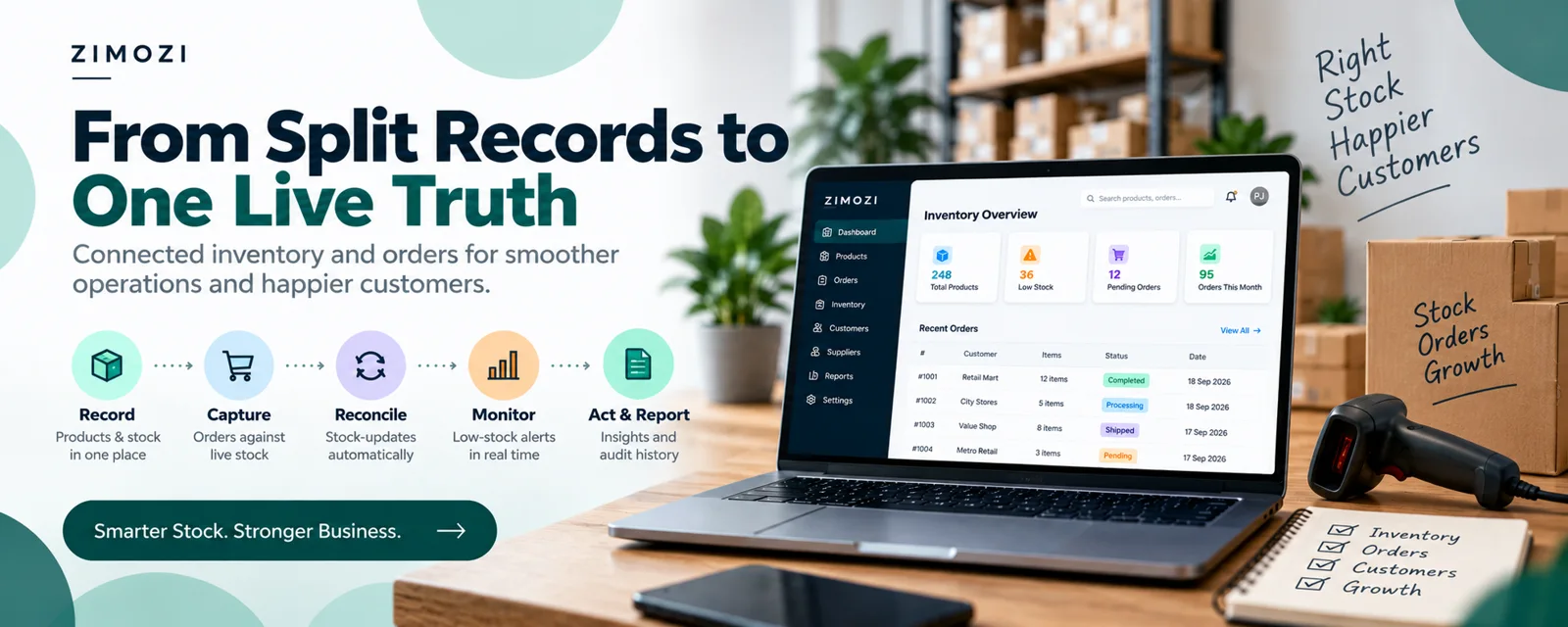
Effective small retail inventory management is essential for independent retail shops, boutiques, and convenience stores that currently juggle two separate realities.
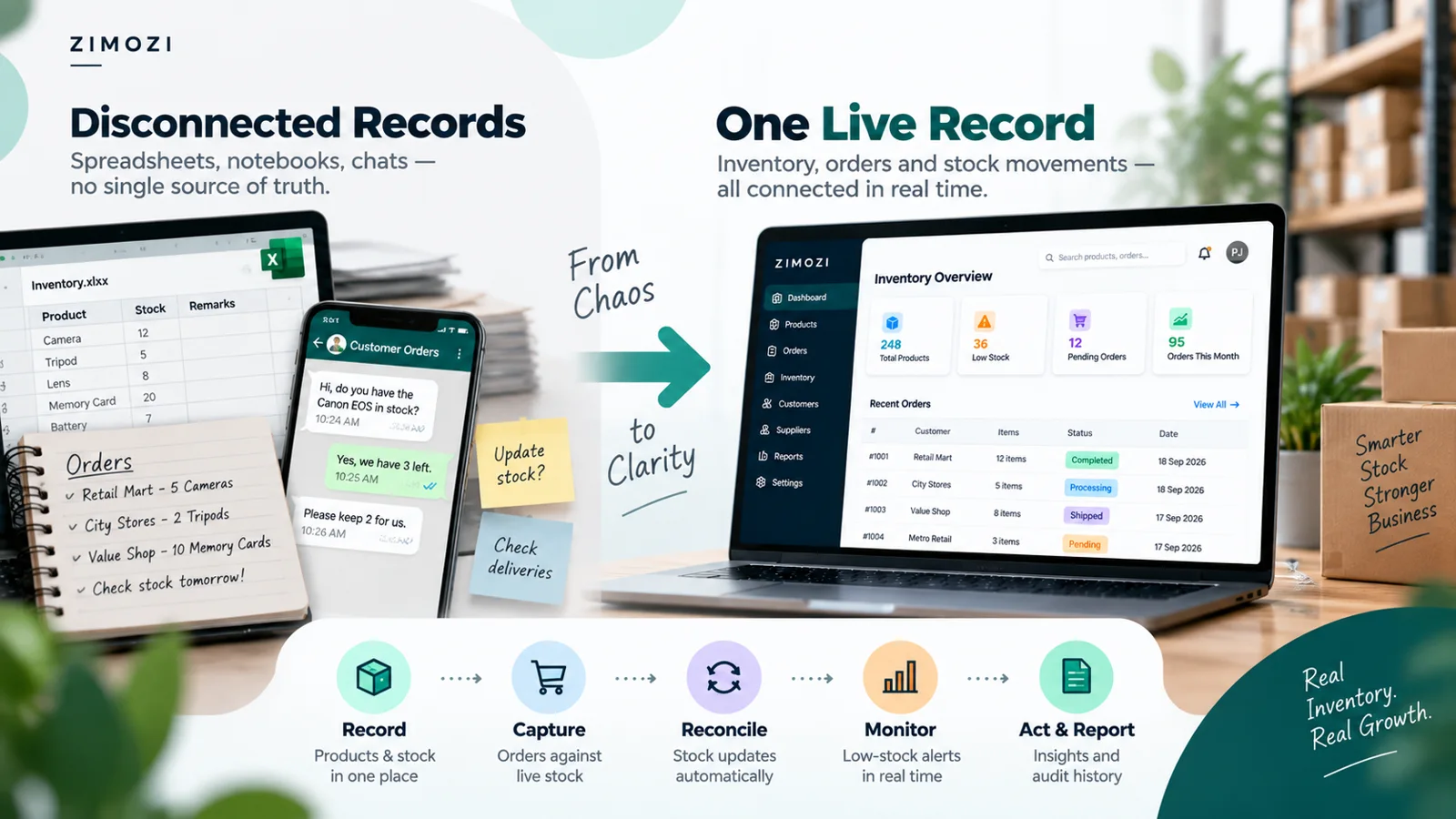
When your item catalogue lives in one file and customer orders sit in another, daily operations suffer. Selling an item does not update your sheet automatically. Receiving a delivery requires manual record-keeping. The moment an owner needs a simple answer to what is in stock versus what is already promised, the only solution is manual counting and reconciliation.
Zimozi developed small retail inventory management Zimozi Inventory to eliminate this friction by uniting on-hand stock and customer orders into a single live record.
Why Small Retail Inventory Management Fails Without the Right Tools
Small retailers frequently deal with administrative drag caused by disconnected tools. When stock tracking and order management are separated, small errors quickly compound:
- Accidental Stockouts: Selling products already committed to pending customer orders leads to cancellations and damaged trust.
- Tied-Up Working Capital: Ordering extra inventory “just in case” because existing counts cannot be trusted locks cash into slow-moving stock.
- Wasted Floor Hours: Checking sheets, calculating formulas, and hunting down shelves takes time away from customer service and store growth.
- Fulfillment Shortfalls: Unrecorded pending orders lead to missed deadlines and delayed customer dispatches.
How Zimozi Inventory Solves the Reconciliation Problem
Instead of adding another layer of complex software, Zimozi small retail inventory management replaces fragmented spreadsheets with a streamlined, cloud-based workflow accessible via the Zimozi Inventory App.
- One Centralized Source of Truth: Your product catalogue, live quantities, and pending orders operate within the same workspace.
- Automatic Stock Drawdown: Fulfilling a customer order automatically reduces your on-hand stock count. Cancelling an order releases the held demand instantly.
- Frictionless Stock Receiving: Adding new inventory or logging adjustments takes seconds, immediately updating the main dashboard.
- Proactive Reorder Alerts: Built-in low-stock alerts notify you when products hit their reorder thresholds before shelves run bare.
- Clear Audit Trail: A chronological log tracks past order completions, adjustments, and receipts whenever numbers need verification.
Key Capabilities at a Glance
| Feature | What It Does | Business Benefit |
|---|---|---|
| Live Product Catalogue | Centralizes item counts, SKUs, and reorder levels | Instantly view current stock counts |
| Pending Order Tracking | Holds incoming demand against available stock | Eliminates double-selling promised goods |
| One-Click Restocking | Fast stock quantity adjustments and receipts | Removes manual formula editing |
| Daily Command Dashboard | Displays critical metrics, pending orders, and alerts | Complete shop visibility in seconds |
| Historical Stock Movement | Logs fulfillment, cancellations, and inbound batches | Clear records without paper clutter |
Best Practices for Independent Retail Inventory Control
- Set automated safety stock thresholds: Determine lead times for every core supplier and configure minimum threshold alerts.
- Conduct high-frequency cycle counts: Instead of shutting down operations for an annual audit, count top-selling categories on a weekly rotation.
- Centralize multi-channel orders: Ensure phone orders, in-store holds, and online inquiries pull from the exact same inventory pool.
Frequently Asked Questions
Q: What is Zimozi Inventory?
A: Zimozi Inventory is a web-based inventory and order management application built by Zimozi. It is designed for single-location small retailers, boutiques, minimarts, and home businesses to track live stock and pending customer orders in one place.
Q: Who is Zimozi Inventory designed for?
A: It is purpose-built for owner-operators managing small retail inventory management catalogues ranging from tens to a few hundred products who need accurate inventory numbers without the overhead of enterprise ERPs.
Q: Does Zimozi Inventory replace a point-of-sale till or barcode scanner?
A: No. It is focused specifically on eliminating manual spreadsheet reconciliation between stock counts and customer orders. It does not replace POS hardware, barcode scanners, or supplier invoice systems.
Q: How does the system prevent stockouts and over-ordering?
A: By linking the order book directly to stock levels. When an order is completed, stock deducts automatically. If inventory reaches a pre-set threshold, the app triggers a low-stock alert so owners reorder accurately.
Q: Where can I access Zimozi Inventory?
A: You can access the tool online through the Zimozi Inventory Web App and discover more engineering solutions at Zimozi.